Nova Photography Portfolio Free Docs
The documentation for your fantastic theme and template
Introducing
- Theme Name : Nova Photography Portfolio
- Author : novathemes
- Support Forum : https://wordpress.org/support/theme/nova-photography-portfolio/
- License : Version 3 or later of the GNU General Public License
- Discription :Nova Photography Portfolio is a photography-focused theme designed for displaying image galleries, project collections, and visual content in a structured layout. The theme includes sections for featured photographs, portfolio categories, client information, and contact details. It supports responsive layouts that adjust across desktops, tablets, and mobile devices. Gallery and portfolio sections allow images to be organized with grid-based layouts for easier browsing. Basic customization settings include color adjustments, typography controls, header layouts, and widget-ready areas. The theme is compatible with common page builder plugins and includes support for navigation menus, social media links, and blog sections for sharing updates or project stories. It also provides options for banner images, homepage sliders, and footer customization. Clean code structure and optimized layouts help maintain image clarity and loading performance across devices. The theme can be used for presenting photography collections, event albums, studio information, and image-focused content while maintaining a simple and organized visual appearance.
Your method of the Theme Is Established
Modify the Theme
Installing a template is a pretty easy process..
Additionally, you can use WP Admin to install your theme.
Logging into the administration area of your WordPress site is the first step. Proceed to select
1.Please proceed to the dashboard interface. Jump to Appearance >> afterwards Themes
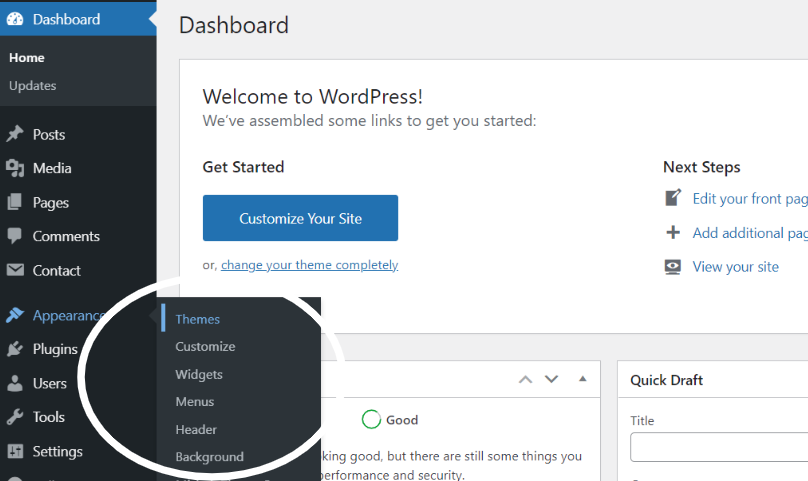
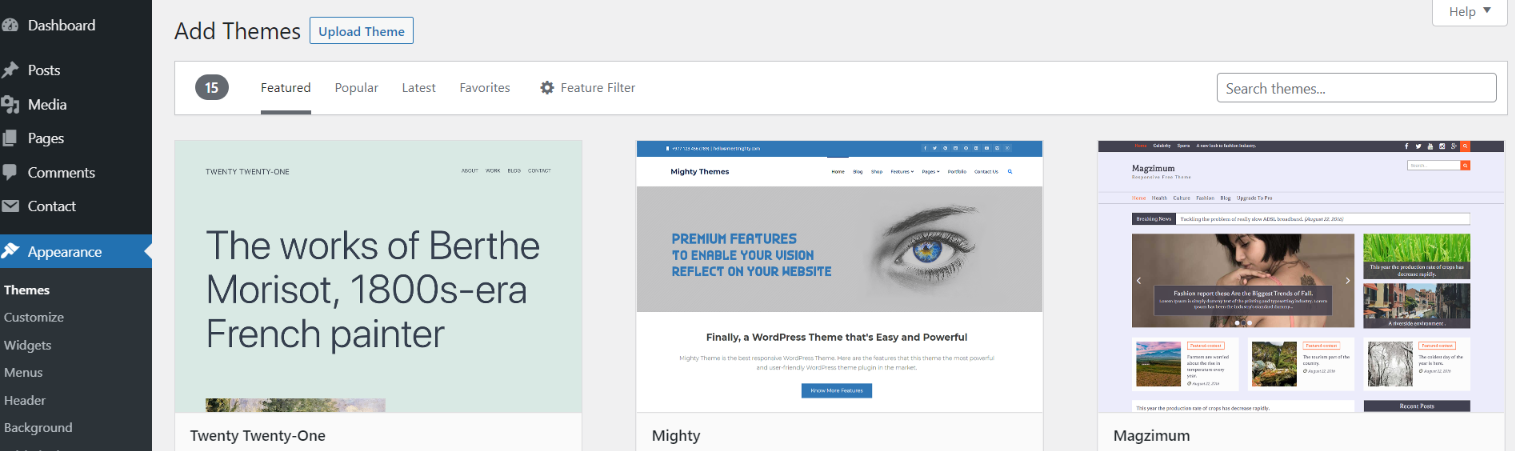
2. After the page loads, click the Add New icon at the very top of a themes page.
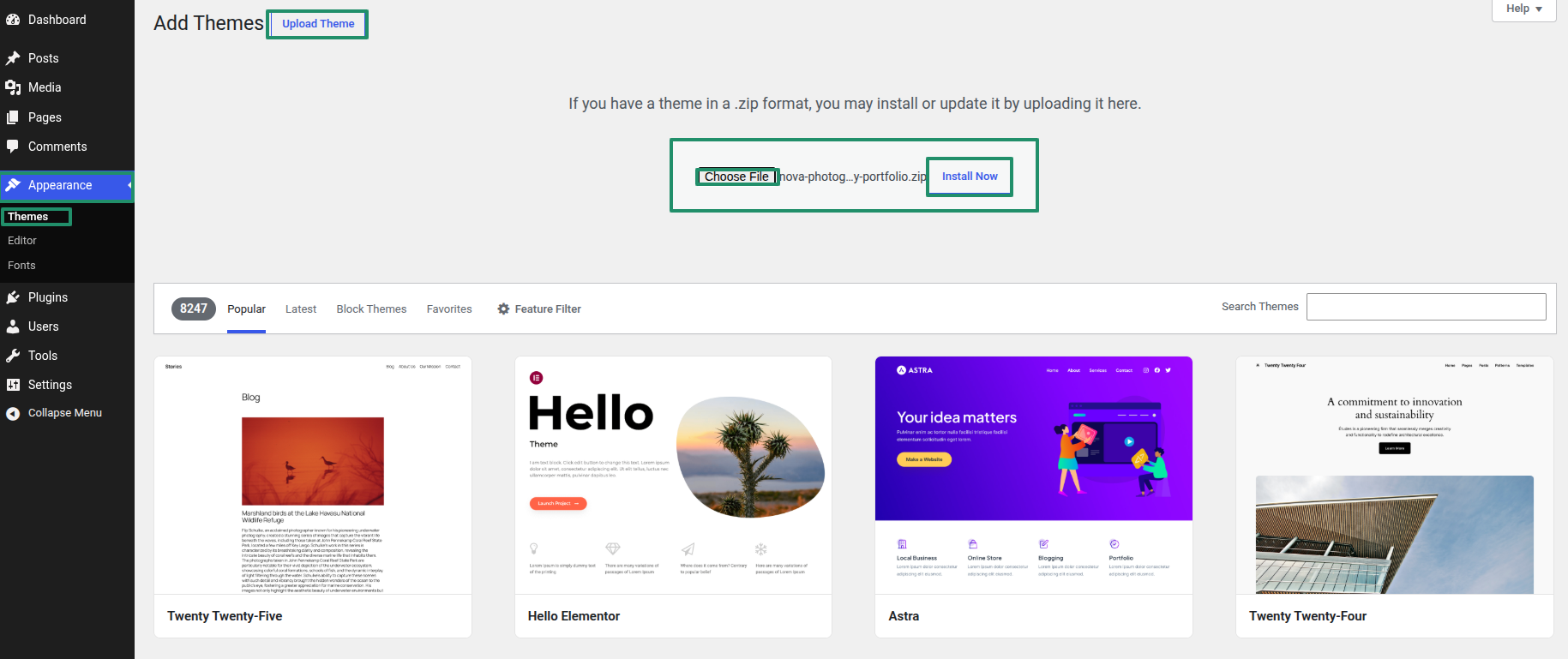
3. The 'Upload Theme' tab should be clicked..
4. After choosing your nova-photography-portfolio.zip theme by clicking the Browse button, click the Install Now button..
5. Now that your theme has been installed, WordPress will provide you a success message and a link to activate or view the live preview. Congratulations on finishing your theme installation..
Edit the Menu
Configure Menu
Follow the instructions to create a menu item with Editor.
Make a menu.
Open the dashboard and tap Appearance >> Jump to Editor while press on "Plux" icon.
You have three options: search, enter a URL, or pick a site from the list.
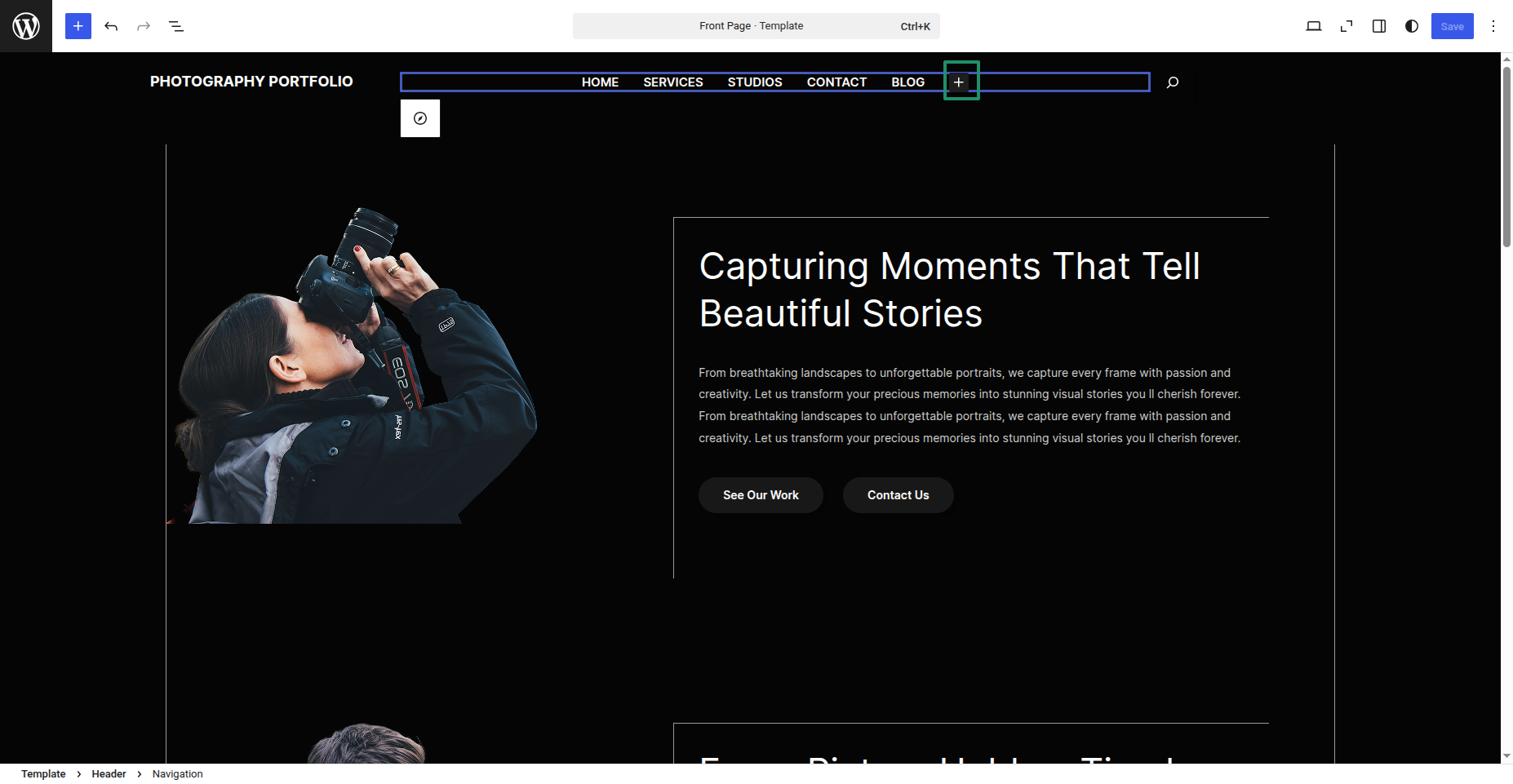
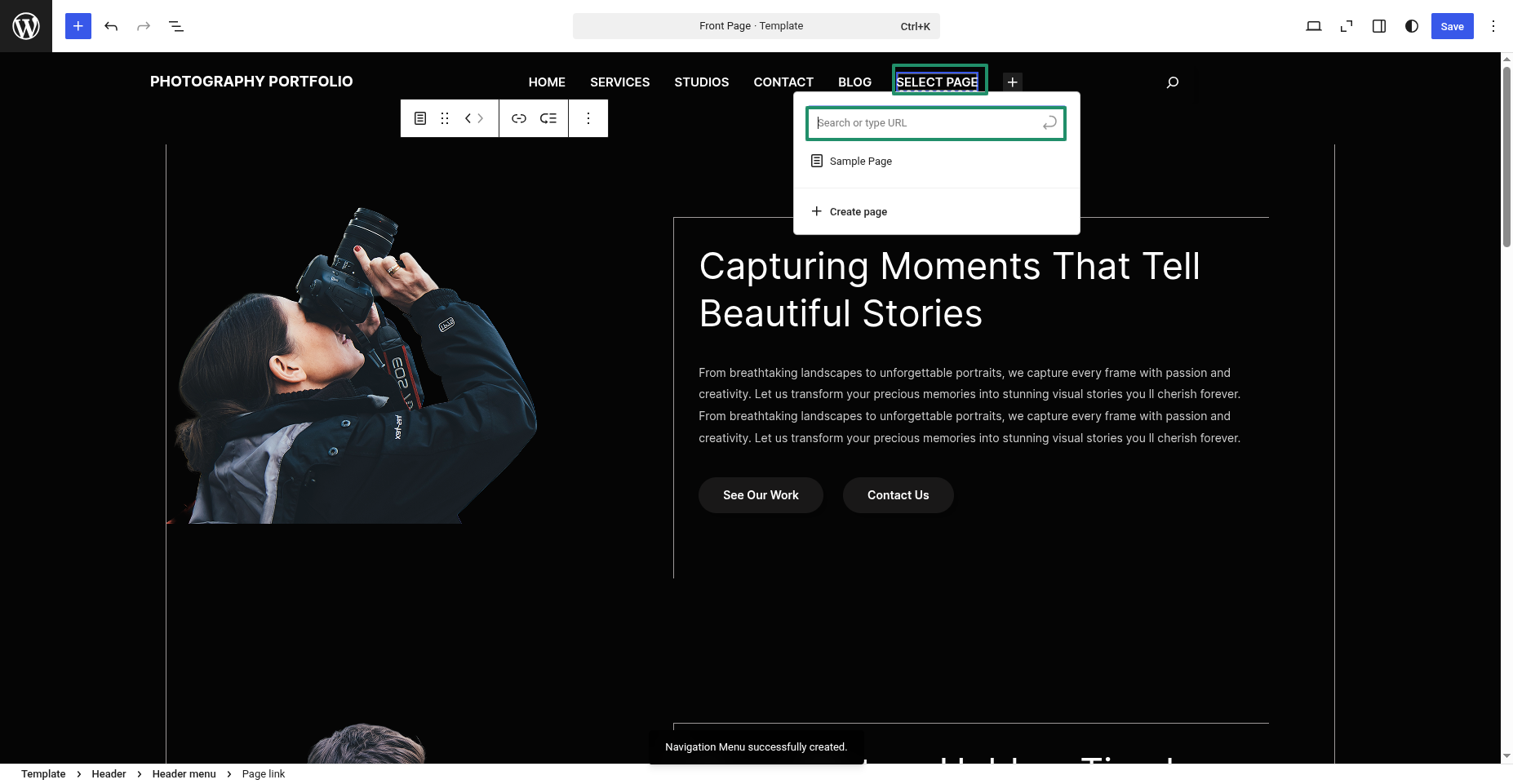
From a user interface perspective, it will appear as follows.

Nova Photography Portfolio Free Theme Config
Create a Header Part
To proceed with the Header, please follow the steps outlined below.
Open the dashboard and tap Appearance >> Jump to Editor
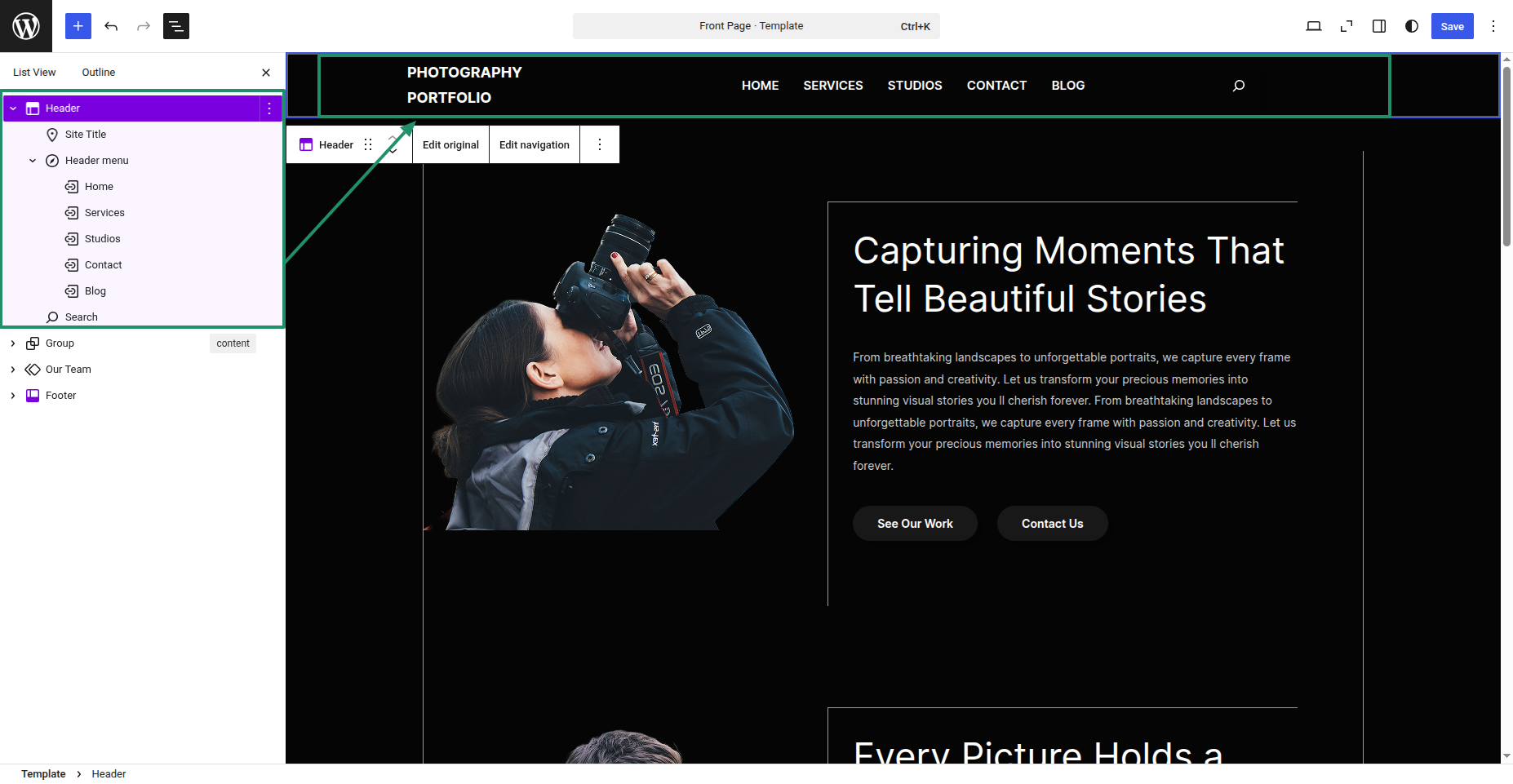
From a user interface perspective, it will appear as follows.

Create a Logo Setup Part
To proceed with the Logo, please follow the steps outlined below.
Open the dashboard and tap Appearance >> Jump to Editor
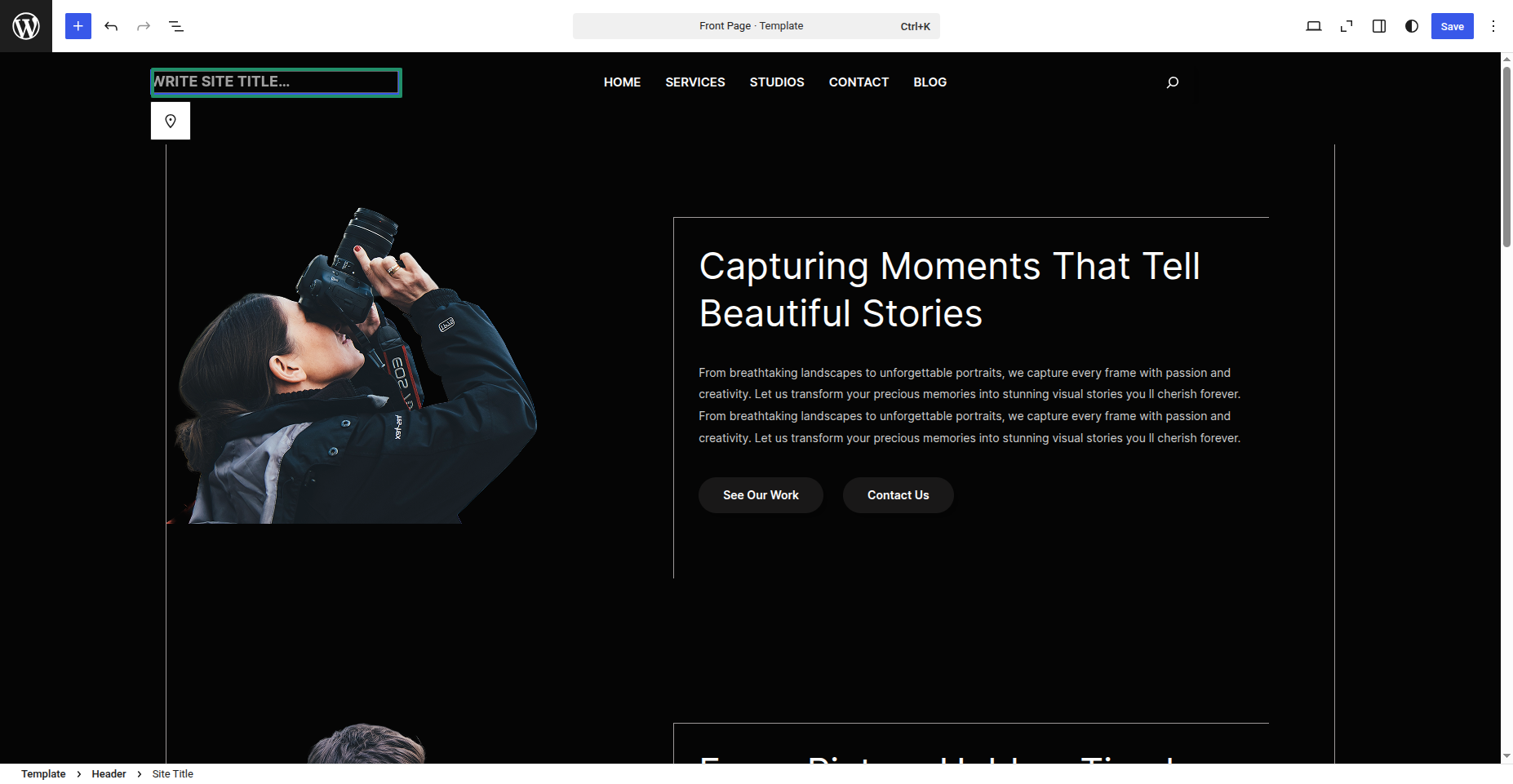
From a user interface perspective, it will appear as follows.
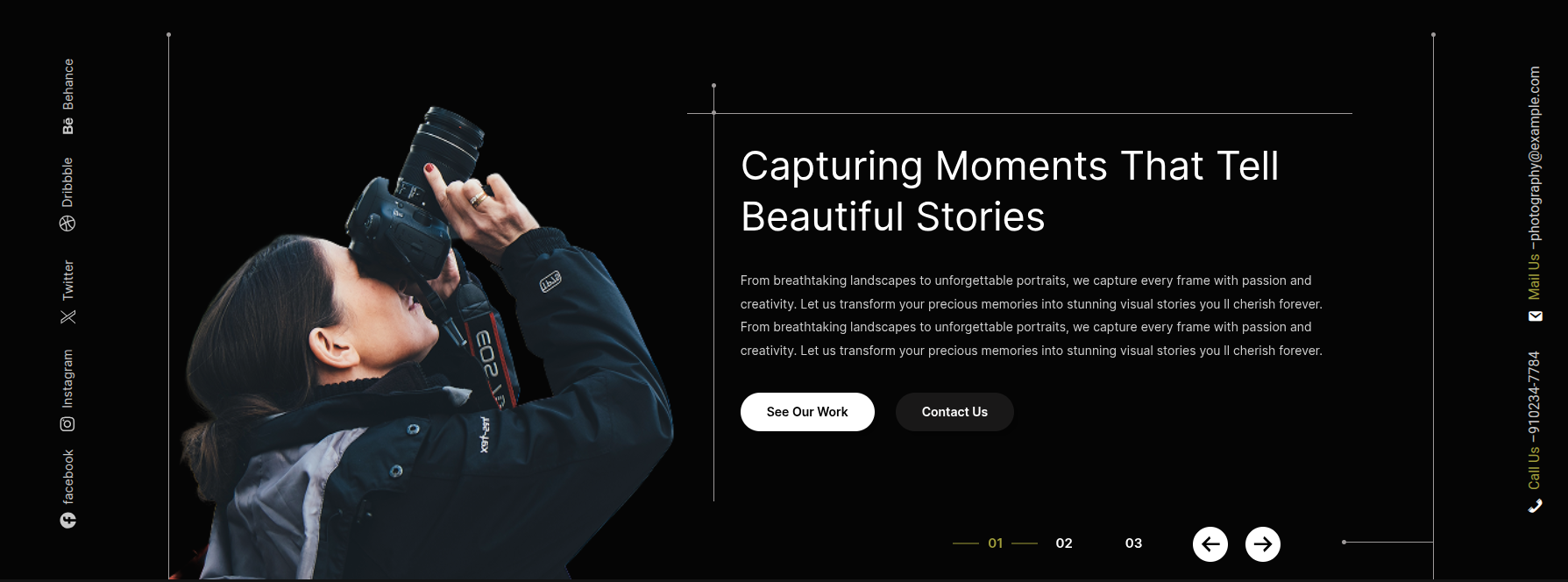
Create a Banner Part
To proceed with the Banner, please follow the steps outlined below.
Open the dashboard and tap Appearance >> Jump to Editor
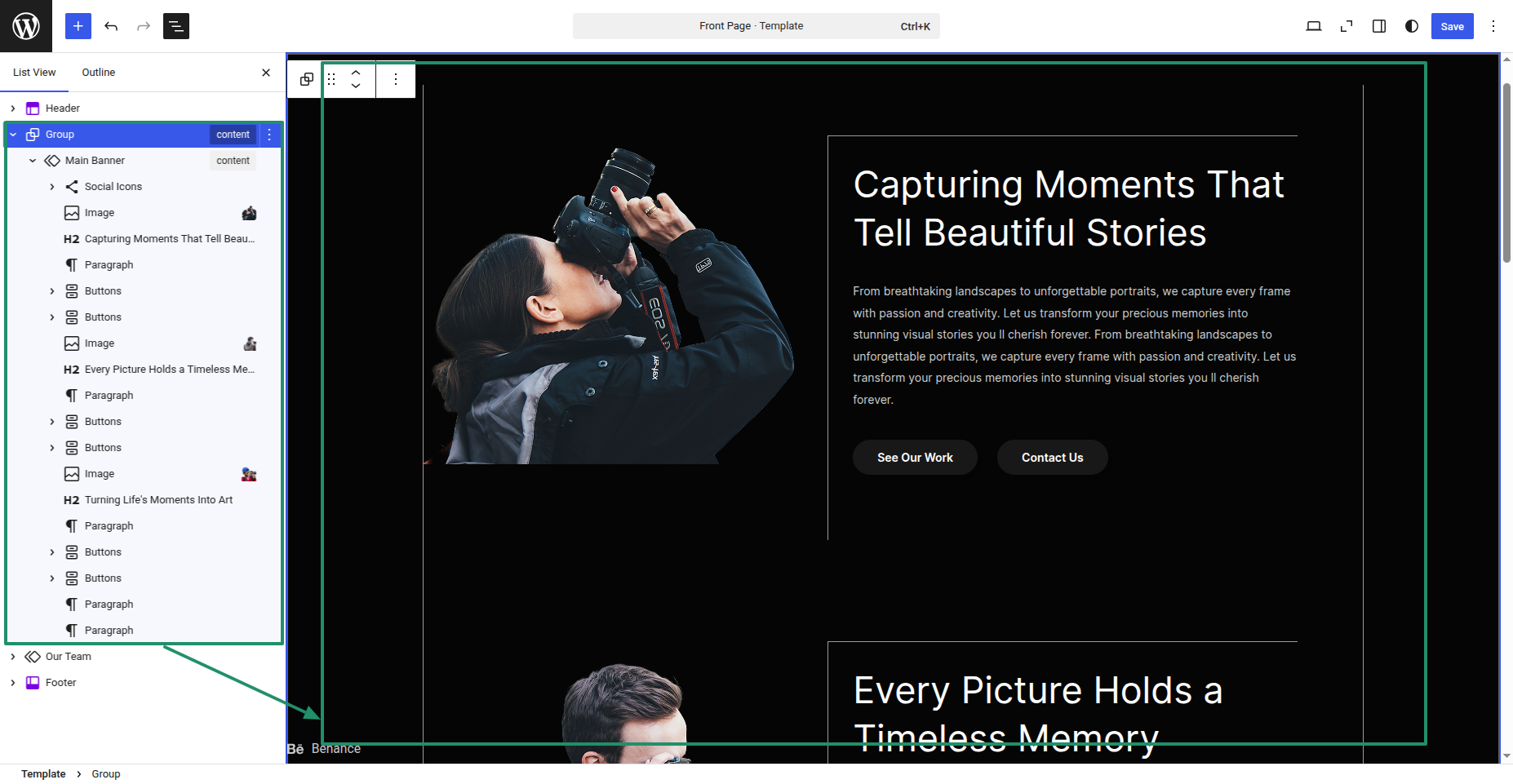
From a user interface perspective, it will appear as follows.
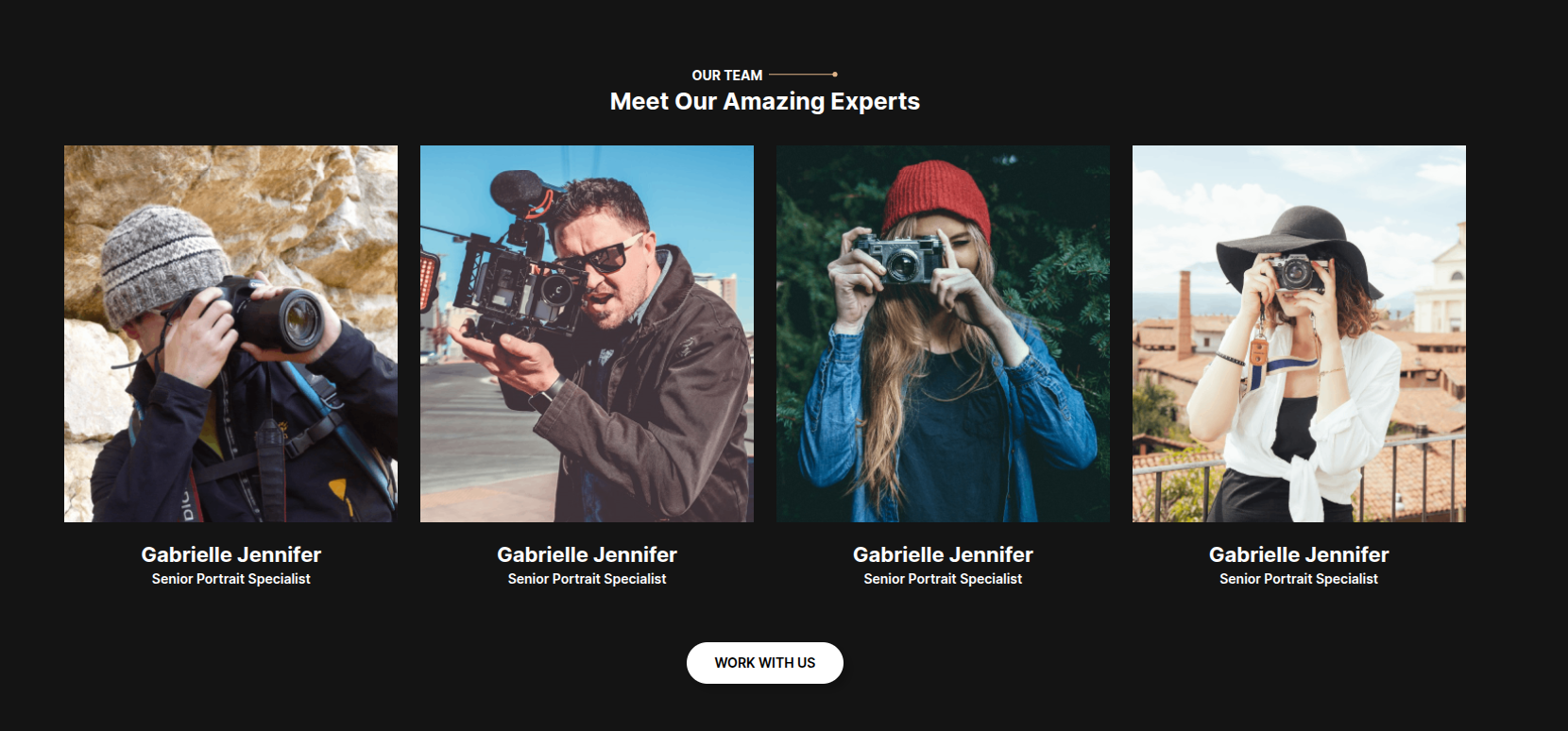
Create a Our Team Part
To proceed with the Our Team, please follow the steps outlined below.
Open the dashboard and tap Appearance >> Jump to Editor
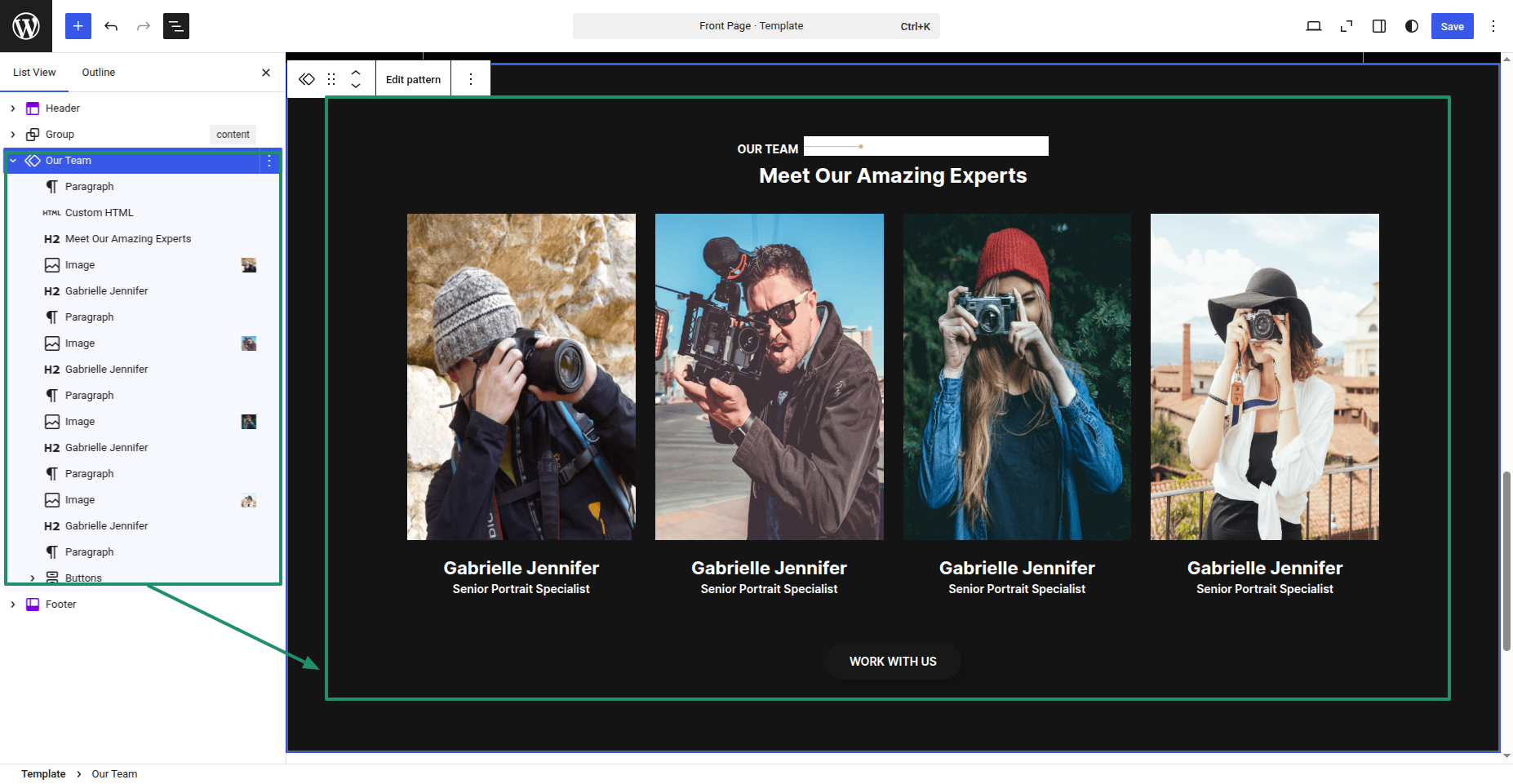
From a user interface perspective, it will appear as follows.
Create a Footer Part
To proceed with the Footer, please follow the steps outlined below.
Open the dashboard and opt for Appearance >> Jump to Editor
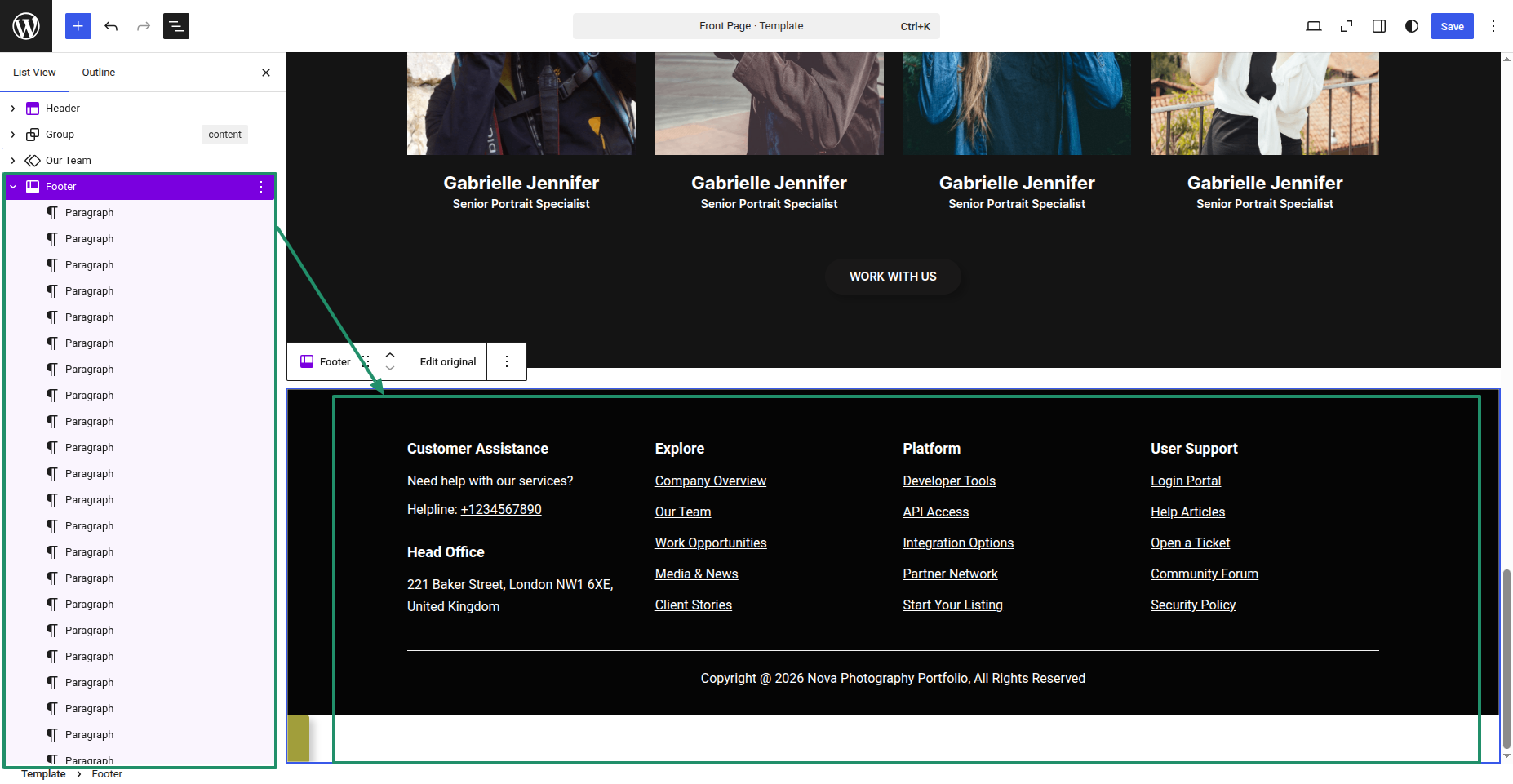
From a user interface perspective, it will appear as follows.